
Muting someone
Stop one person's alerts without changing anything for anyone else.
You can mute a single person. It is the control to reach for when one person's comings and goings are noisy but you do not want to turn off arrivals altogether.
What it does
You stop receiving that person's arrival and departure alerts.
What it does not do
- It does not tell them. There is no indication at their end.
- It does not affect anyone else. Everyone else still gets their alerts.
- It does not hide them. They stay on the map, in the space and in the activity
feed exactly as before.
Where to find it
- Find them in your space
- Tap the bell beside their name
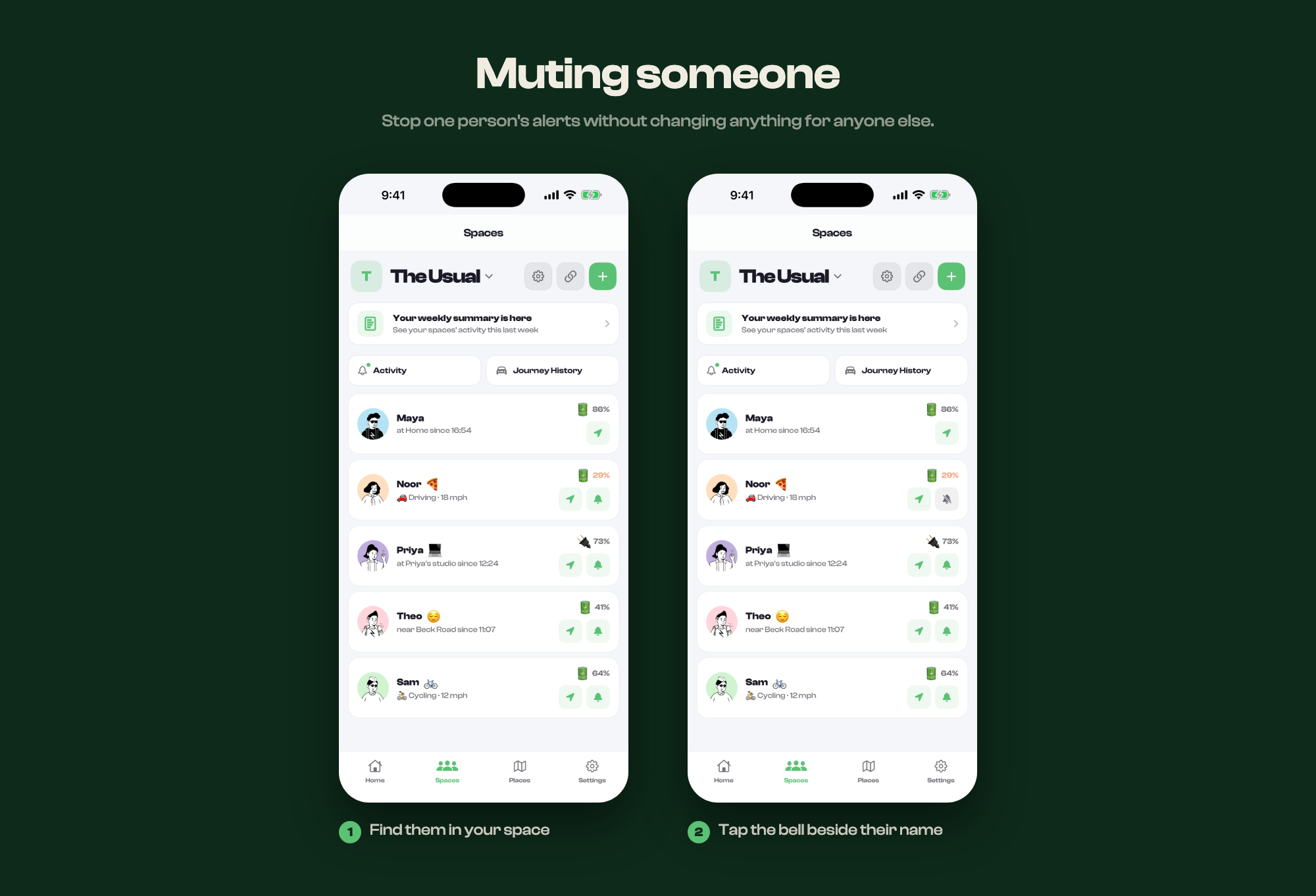
The bell sits beside the button that shows someone on the map. It is in the space list and on the person themselves, so either works.
Muting everything instead
If it is not one person but all of it, turn off arrivals and departures in your notification settings instead.