
Dark and light mode
Pick one, or follow the phone.
Circl ships in both dark and light, and either is a complete design rather than one inverted into the other.
Choosing
Open Settings. Appearance sits in the App section, with the three choices on the row beneath it:
- Light
- Dark
- System, which follows your phone and changes when your phone does
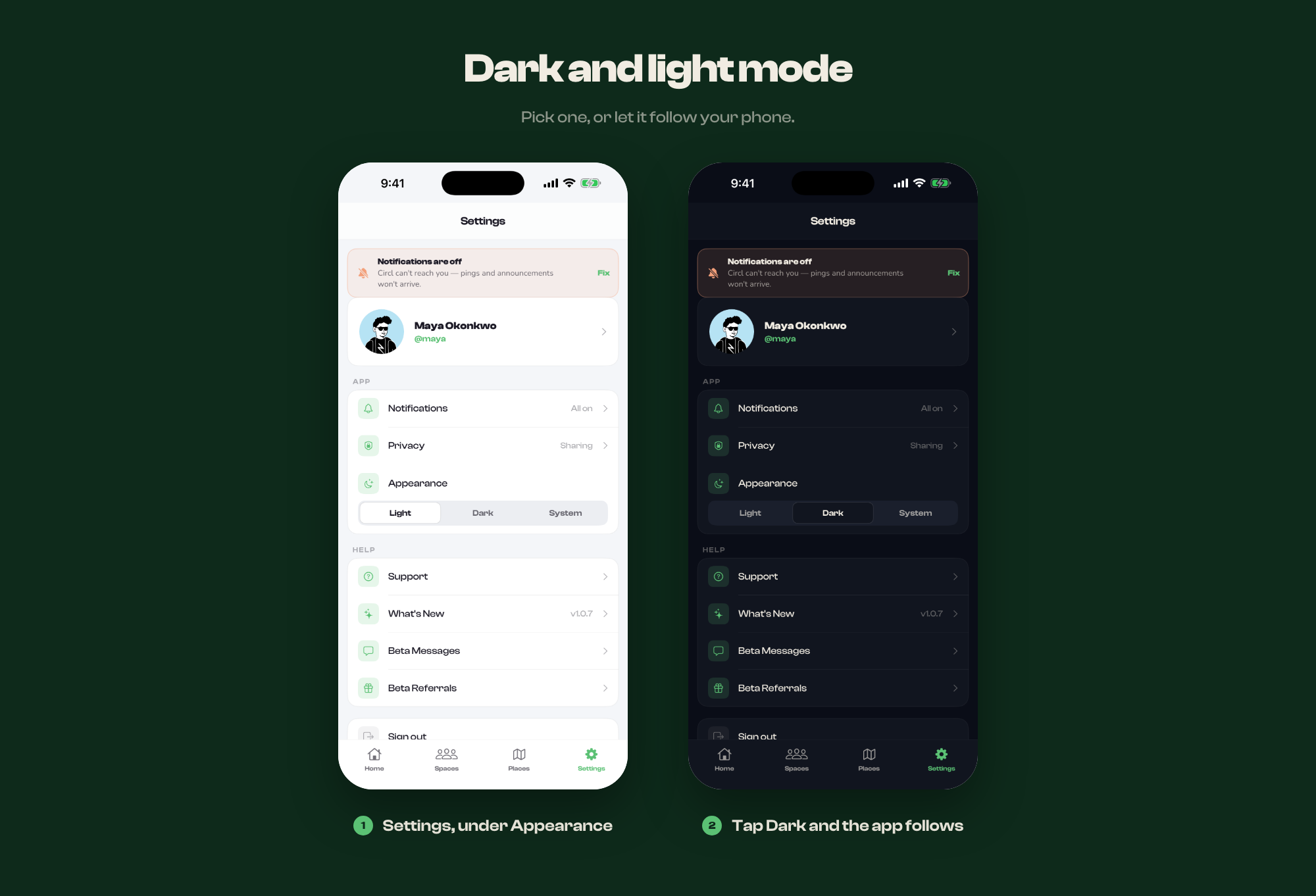
Tapping one changes the app immediately. There is no separate screen to open, and nothing to save.
It is only your copy
Appearance is stored on your device, not on your account. It does not follow you to another phone, nobody else in your spaces sees it, and it changes nothing about what you share or receive.
The help centre has its own
This site has a matching control in its header, separate from the app's. It remembers your choice in your browser and also defaults to following your system.