
Changing your username
Why there is a wait, and what to do if you are locked out.
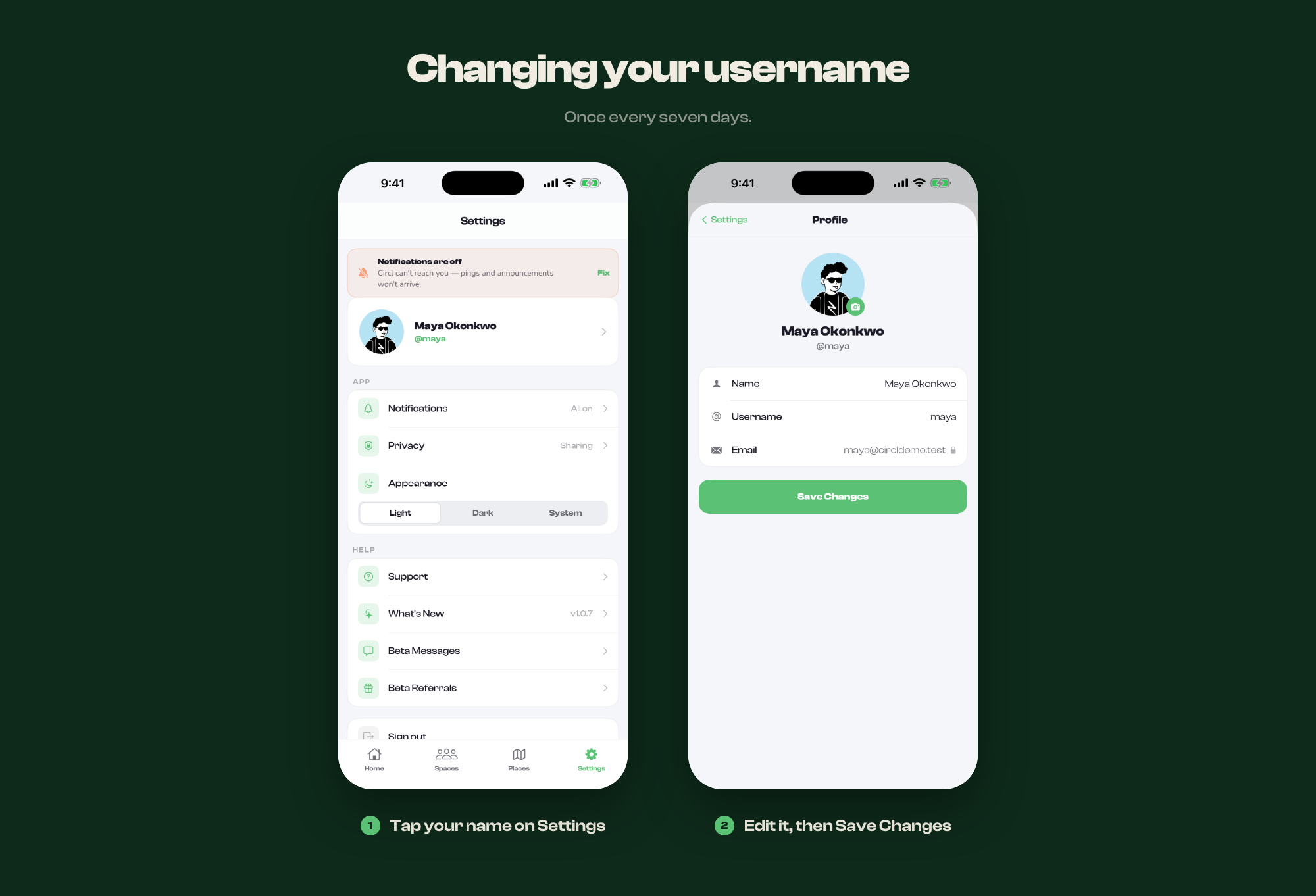
You can change your username from Settings, but only once every 7 days.
- Open Settings and tap Profile
- Edit your username and save
- It locks for seven days
The wait exists because usernames are how people recognise each other, and an account whose name changes daily is hard to trust.
If the field is locked
A padlock means you have changed it within the last week. The date it unlocks is shown beside it.
Usernames are released when accounts are deleted
If a username you want is taken by a deleted account, it becomes available once that account passes its 30-day window.