
Quiet places
Places that never announce you.
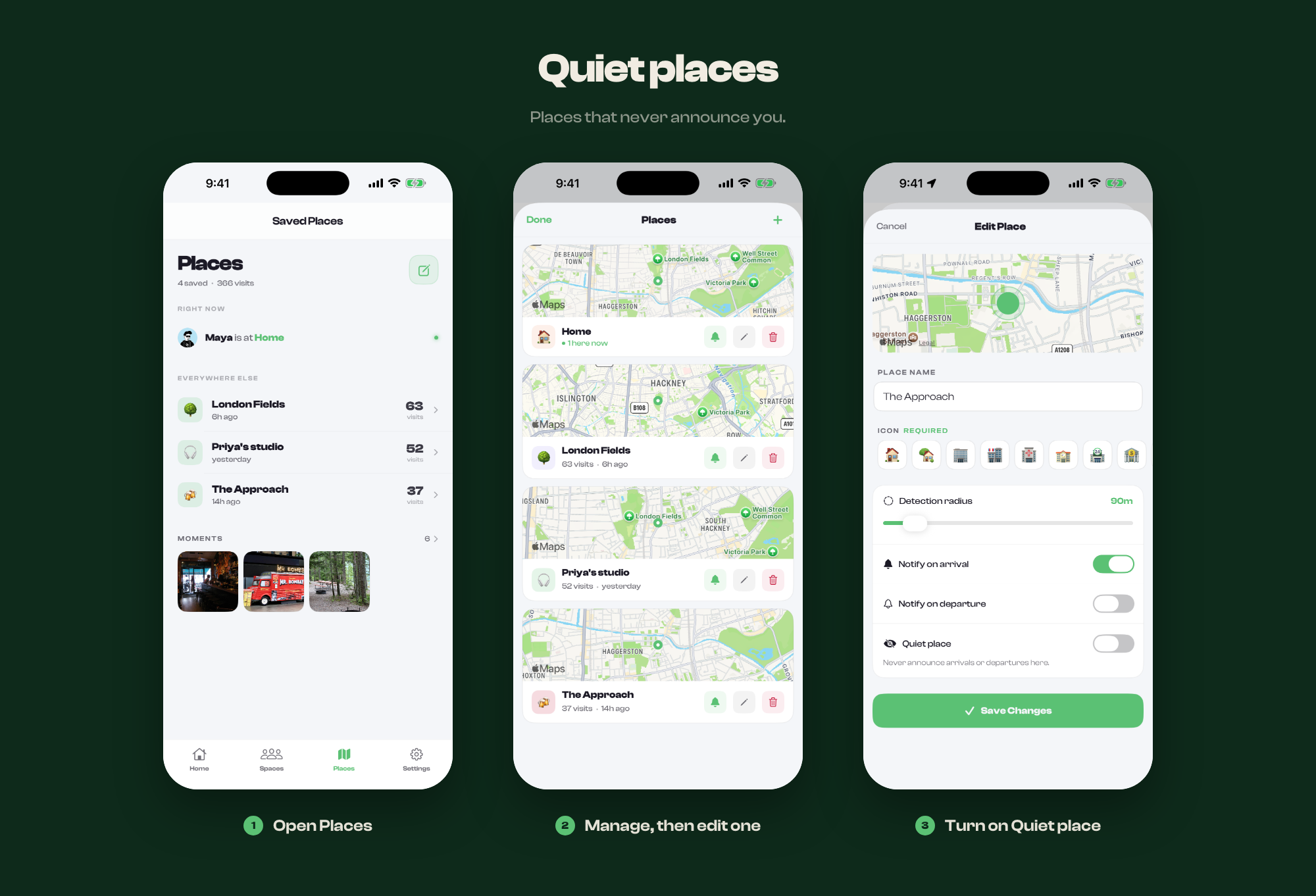
A place can be marked quiet. Circl still recognises it, but tells nobody when you come and go.
Use it for anywhere you would rather not broadcast: a clinic, a workplace, a friend's house you visit often.
Making one quiet
- Open Places and manage them
- Edit the place
- Turn on Quiet place
What quiet does
- No arrival or departure alerts to anyone
- No entry in the space's activity feed
- Still visible on the map as a place, and still counts your time there
What it does not do
Quiet applies to the place, not to you. Your position on the live map is unchanged: someone looking at the map can still see roughly where you are. If you want to stop sharing entirely, stop sharing your location.